> ## Documentation Index
> Fetch the complete documentation index at: https://unify-19-preview.mintlify.site/llms.txt
> Use this file to discover all available pages before exploring further.
# Browsing the Web
> Run the Unify Chrome extension on other websites.
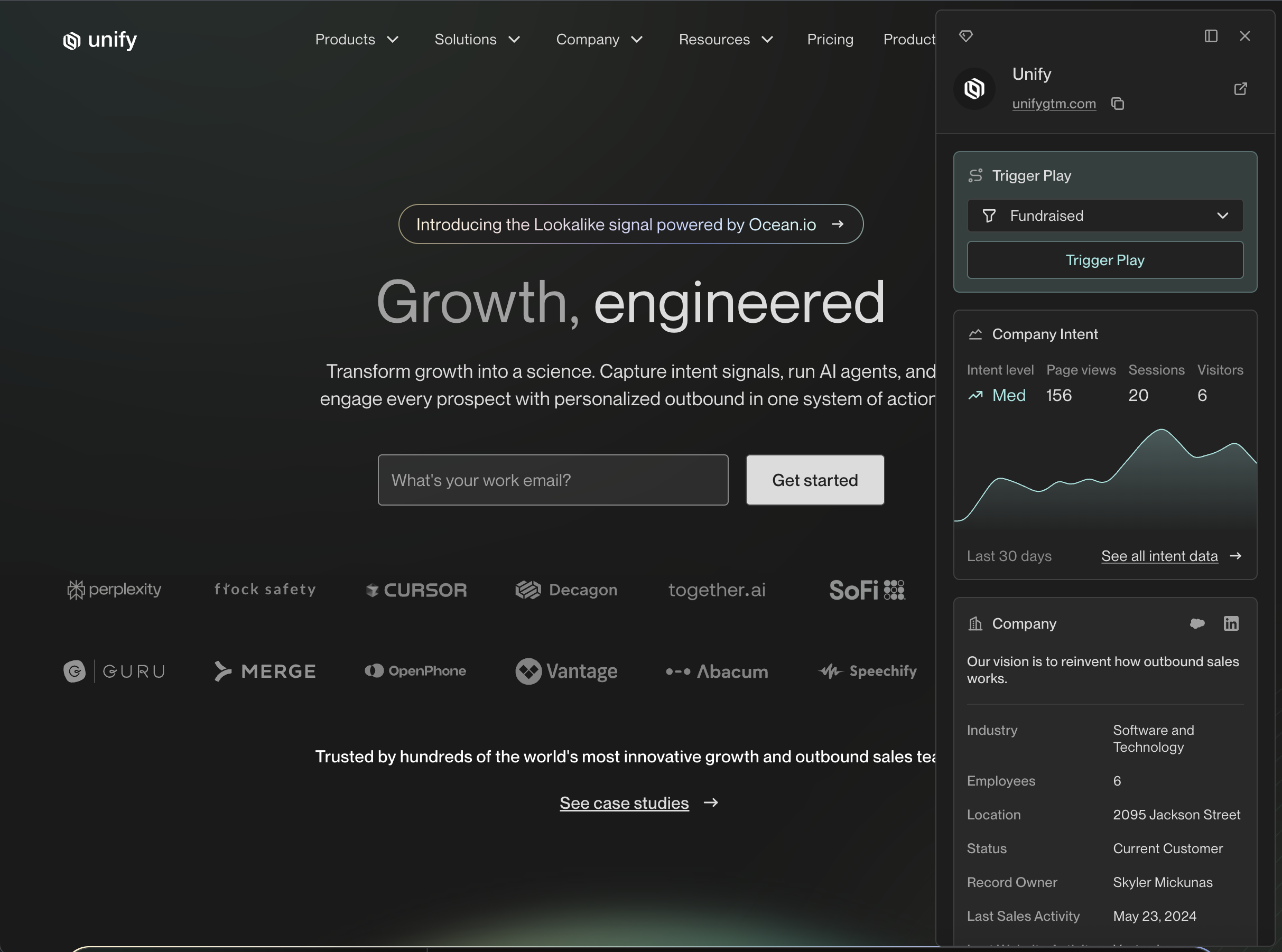
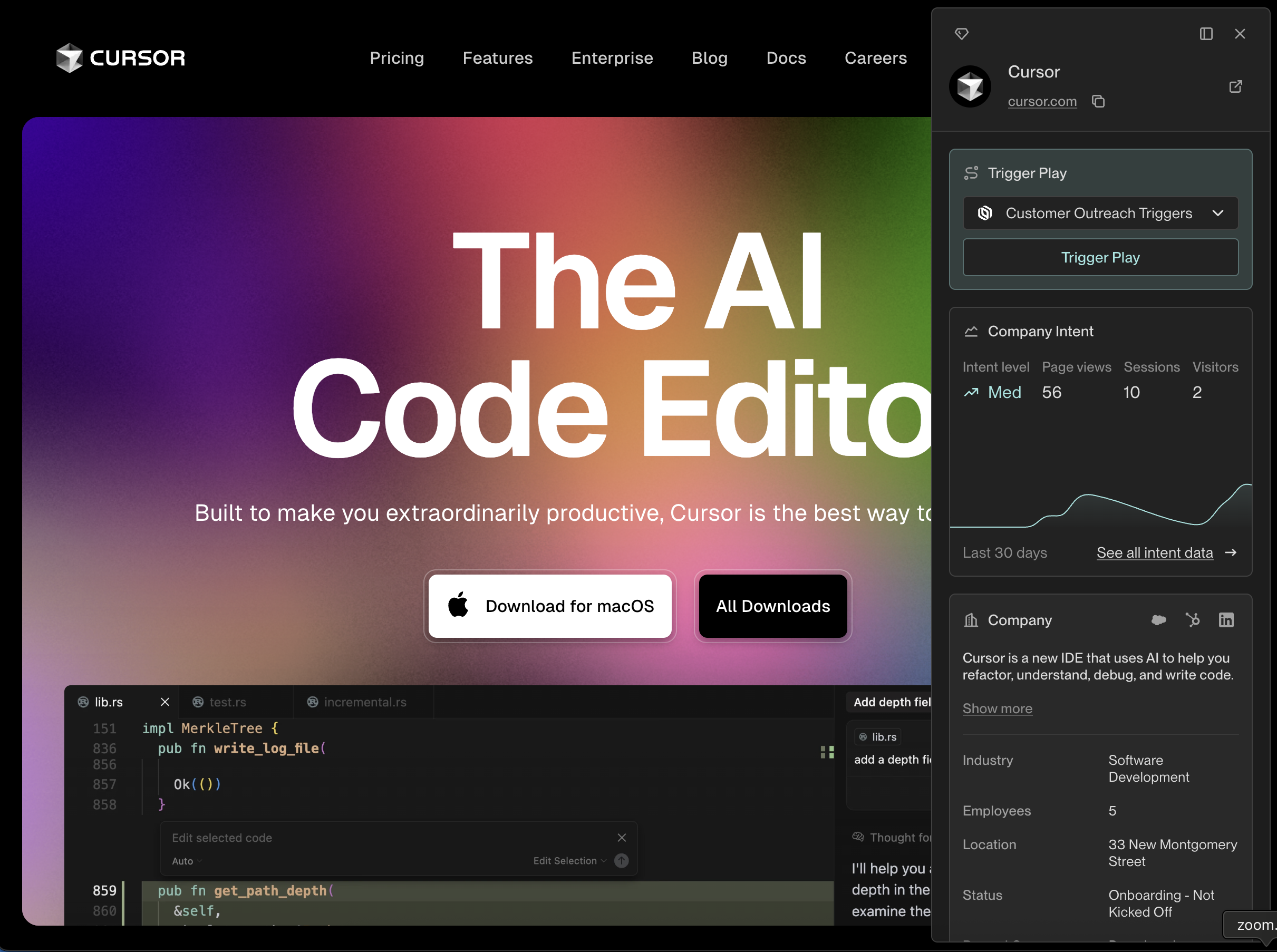
The extension can surface relevant information while browsing the web on
other sites, too. When you view a website with a domain that matches one
of the Companies in your Unify instance, the extension will automatically
surface details about that Company.
 This documentation is built and hosted on [Mintlify](https://mintlify.com), a developer documentation platform.