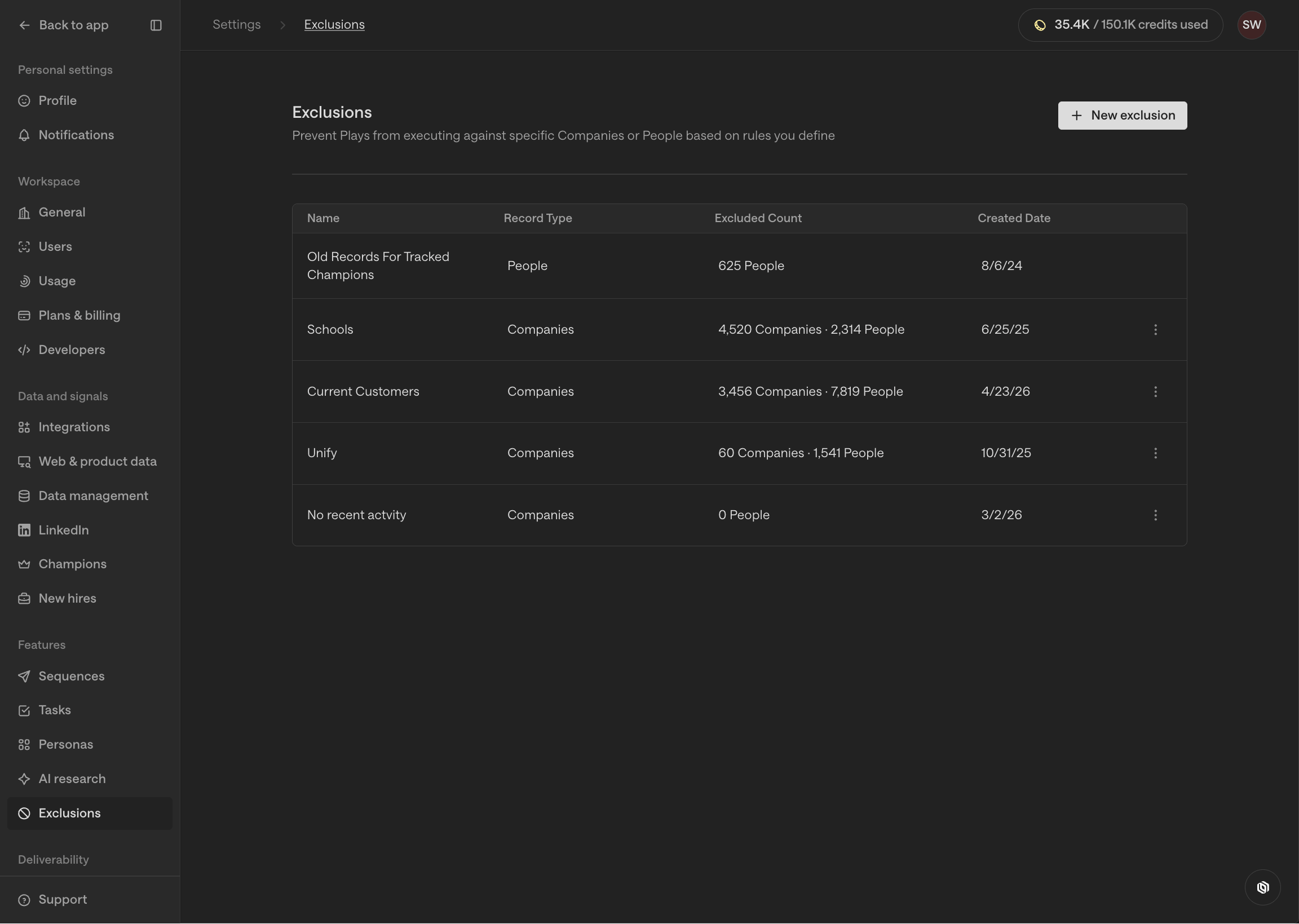
What are exclusions?
Exclusions are dynamic lists of companies or people that you want to prevent Unify from taking action on. Common use cases include:- Exclude current customers
- Exclude in-flight deals
- Exclude competitors
Walkthrough
1
Create a new exclusion
Go to Settings > Exclusions and select New exclusion.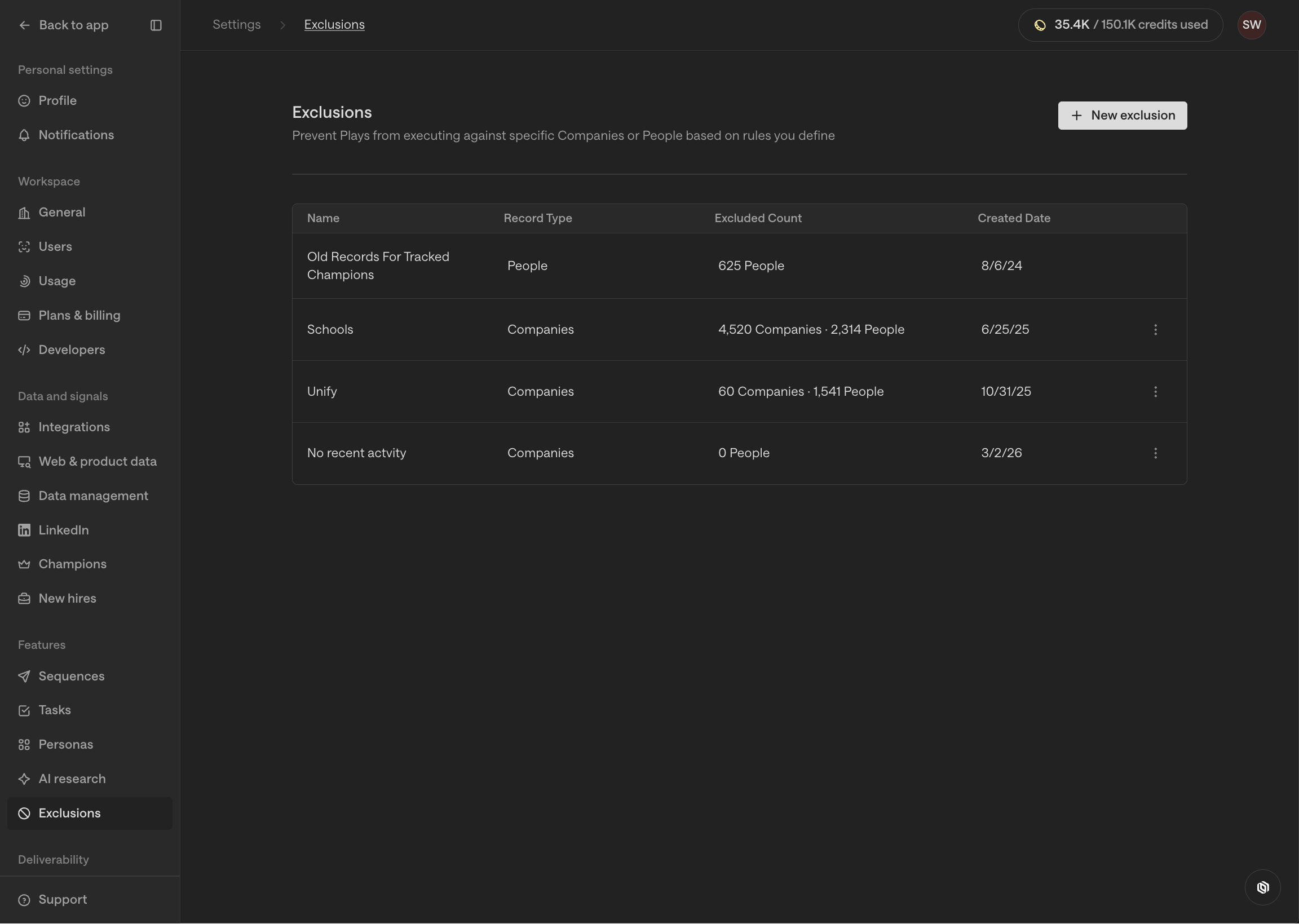
2
Add filters
The exclusion builder allows you to define filters that select which
companies or people should be matched and excluded.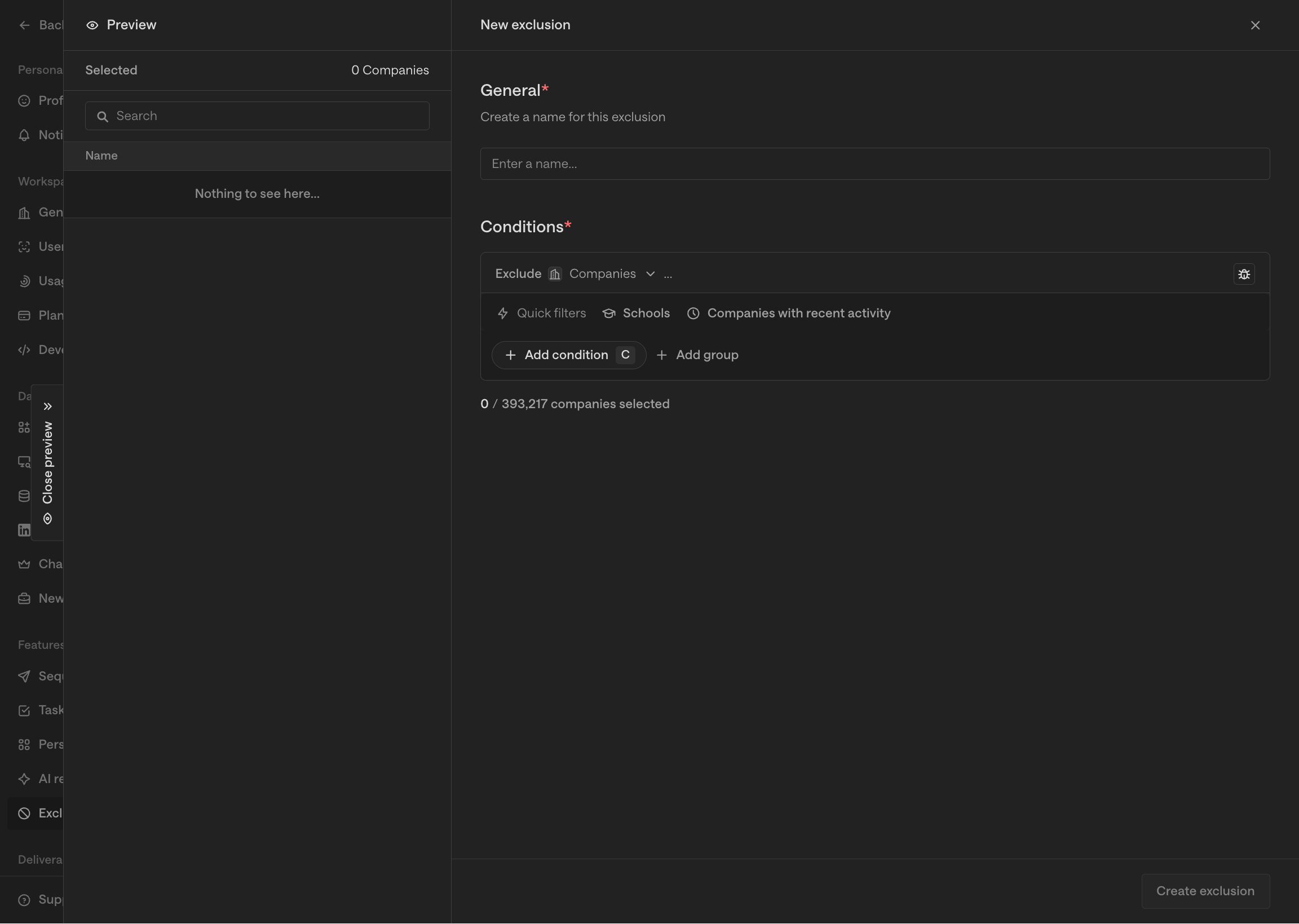
3
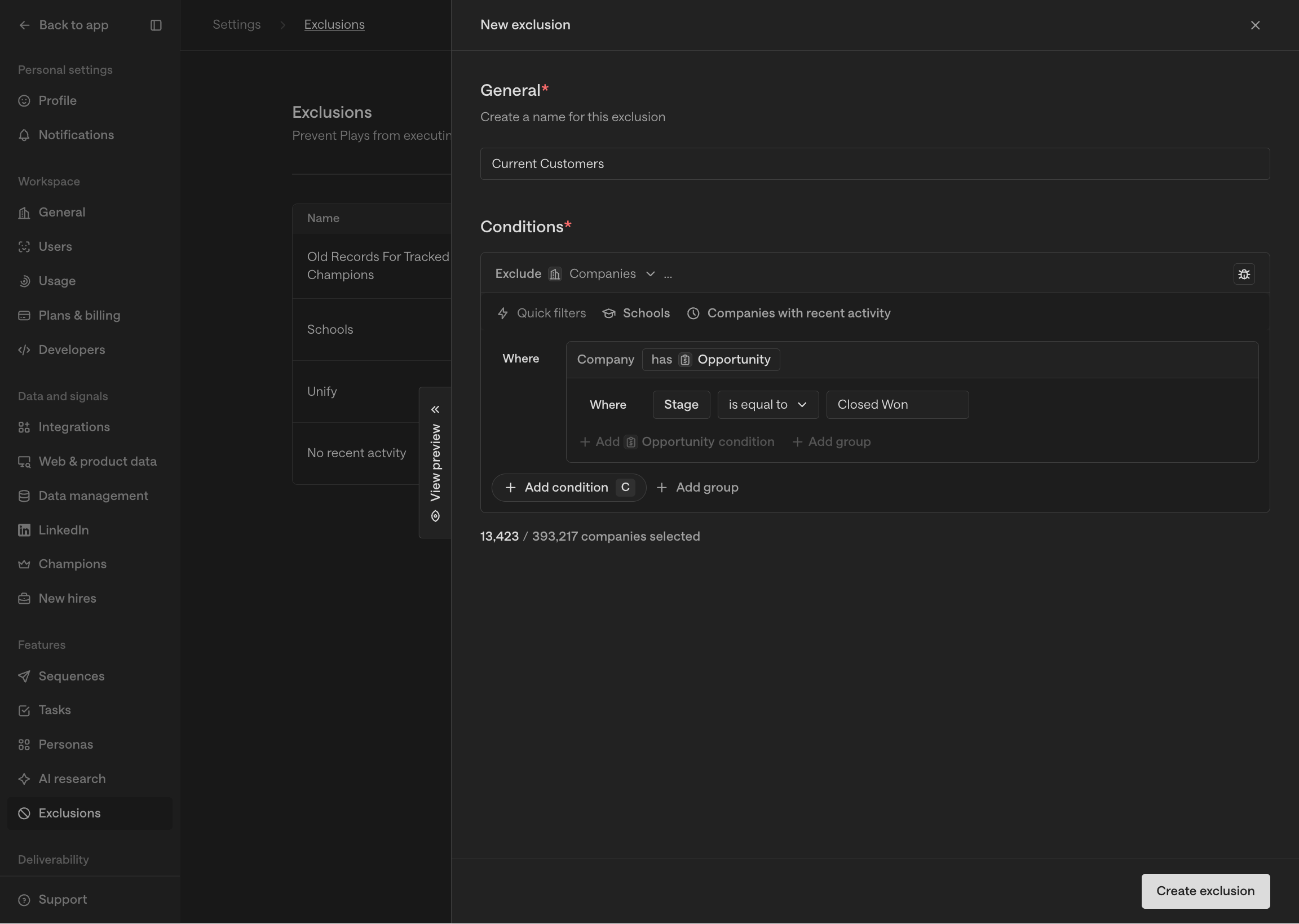
Save and apply
Save the exclusion to keep its matching companies or people up to date as
their data changes. You can edit its filters at any time.For users assigned to an engagement policy,
add the exclusion to that policy and choose its claiming and engagement
behavior. The policy’s selected exclusions determine the restrictions for
those users.